Join the Server

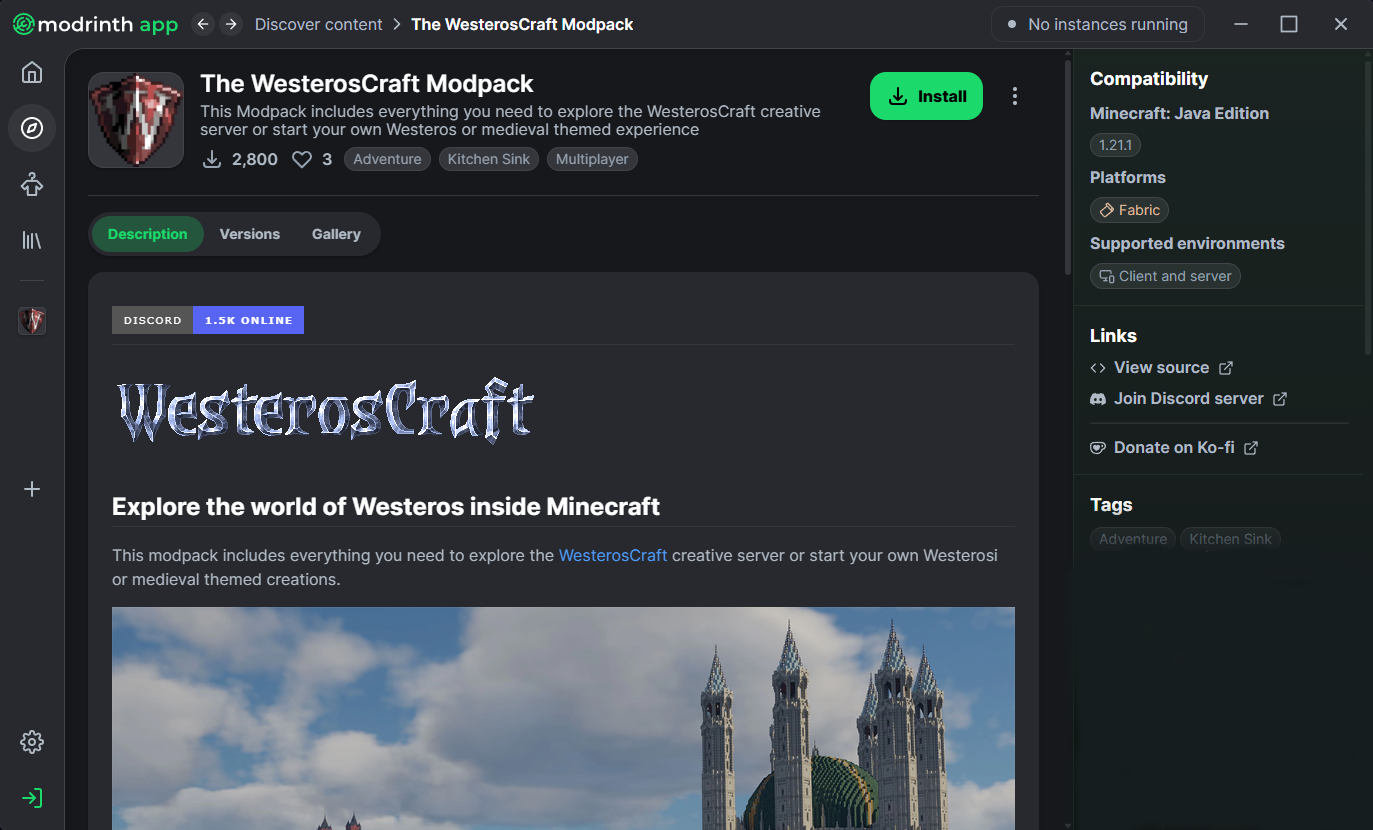
A modpack is a collection of different mods that allow us to curate your normal Minecraft experience for a more realistic and medieval themed world. The WesterosCraft modpack is required to connect to our server and experience the full Seven Kingdoms.

Server Address
mc.westeroscraft.com:1182
Step 1

Install a Launcher

The easiest way to get started with modded Minecraft is to install a launcher that can load WesterosCraft's custom resource pack and mods. There are several options to choose from.

Prefer the vanilla launcher? Build the client manually

Step 2

Connect to the Server

Once the modpack is installed, hit Join Server to automatically join WesterosCraft automatically. Otherwise, hit Multiplayer and add the server.

Server Address

mc.westeroscraft.com:1182

Open Minecraft, go to Multiplayer Add Server, paste the address above, and connect.

The Great Sept of Baelor in WesterosCraft
Step 3

Start Exploring

You're in. Here's how to make the most of it.

Use /warp to Travel

Type /warp [location] in chat to teleport to any build. Try /warp kingslanding to start.

Browse the Map

Explore the live server map to find locations and see what's being built across the realm.

Join the Community

Our Discord is where builders coordinate, share progress, and help new visitors.

Having Trouble?

Most issues can be resolved quickly. If you're still stuck, join our Discord — the community is always happy to help.